
LinkedIn Tips

Your LinkedIn profile photo is the first thing recruiters, clients, and collaborators see before they read a single word about you. Studies show profiles with professional headshots receive 21x more profile views and 36x more messages than those without. In 2026, there's no excuse for a blurry selfie or a cropped group photo, but getting a great headshot has never been easier or more affordable.
This guide covers everything: the technical specs LinkedIn requires, what to wear, lighting and background best practices, the rise of AI-generated headshots, and a step-by-step upload walkthrough. Whether you're job hunting, growing a consulting practice, or building your personal brand, the right photo changes outcomes.
LinkedIn has over 1 billion members. Hiring managers spend an average of six seconds reviewing a profile before deciding whether to keep reading. Your photo communicates competence, warmth, and trustworthiness in a fraction of a second, before your headline, summary, or experience is even read.
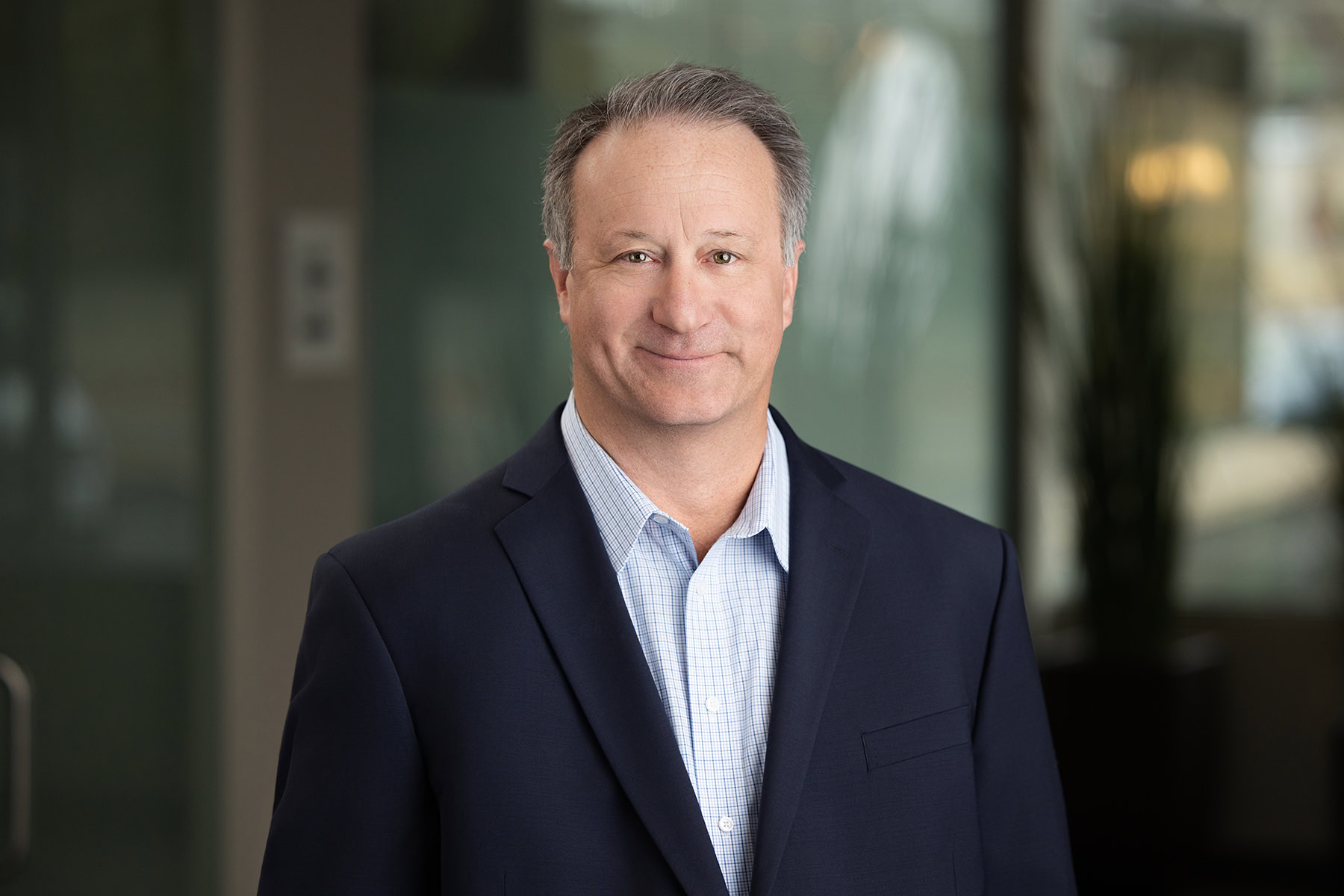
Research by PhotoFeeler found that profile photos rated high on competence, likeability, and influence correlate directly with career outcomes: more connection requests accepted, more InMail responses, and higher profile search rankings. LinkedIn's own algorithm also surfaces profiles with complete profile photos more prominently in search results.
LinkedIn accepts photos in JPG, PNG, or GIF format. Here's what you need to know:
"Your LinkedIn profile photo is a business card, a first impression, and a trust signal all at once. Treat it with the same seriousness you'd give a client-facing presentation."
Career strategists at LinkedIn's Talent Insights team
Dress one level above your typical work attire. If you wear business casual daily, dress in business professional for your photo. If you're in a creative field, smart casual works, but avoid logos, busy patterns, or anything distracting.
Always check that your clothing has no visible wrinkles or stains before shooting. Solid colors photograph better than patterns. Navy, charcoal, forest green, and burgundy photograph especially well against neutral backgrounds.

Professional photographers often say: lighting is everything. The same face looks dramatically different under flattering natural light versus the harsh overhead fluorescent glow of an office bathroom. Here's how to nail it whether you're shooting yourself or working with a photographer:
Position yourself facing a large window, not beside it. The window should be in front of you, slightly to one side (at about a 45-degree angle). Overcast days are ideal because the clouds act as a giant diffuser, eliminating harsh shadows. Avoid direct sunlight, which creates squinting and blown-out highlights.
A single large softbox or ring light positioned slightly above eye level and at a 45-degree angle produces the classic "Rembrandt" lighting favored in professional headshots. Add a white reflector card or foam board on the opposite side to fill in shadows.
The background should never compete with your face. Recruiters and clients are looking at you, not your office bookshelves or the company logo behind you. The most effective LinkedIn headshot backgrounds are:
Avoid: cluttered rooms, distracting furniture, highly patterned wallpaper, and anything that draws the eye away from your face.
Traditional photography means booking a studio, taking time off, and spending $250–$600+. AI-generated headshots flip that model entirely: you upload 10–20 selfies, and the AI trains on your face to generate 50–200+ professional images across different styles and backgrounds, in about the time it takes to write a cover letter.
AI headshot tools like Headshot Plus use diffusion models trained on tens of millions of professional photos. You upload 10–20 casual selfies, the model learns your specific facial features, then generates dozens of new, studio-quality images. The output: consistent, professional headshots with customizable backgrounds, lighting, and attire. No photographer, no studio, no scheduling.
Modern AI headshots are indistinguishable from studio photos when generated from quality source images. The key is uploading clear, well-lit selfies with varied angles. The model needs enough information about your face to produce accurate, consistent results. Avoid heavy filters, sunglasses, and blurry shots in your source uploads.
"We updated our entire team page with AI headshots in a single afternoon. The result was more consistent than anything we'd achieved coordinating five different photographers over three years."
Head of Marketing, Series B SaaS company
Once you have your headshot, here's how to upload it:
The right LinkedIn photo is one of the highest-leverage improvements you can make to your professional online presence. Whether you book a studio session or use an AI headshot generator, the investment pays dividends in visibility, connection rates, and the quality of first impressions you make, before you've said a single word.
Get studio-quality AI headshots from a single selfie in under 30 minutes. No photographer, no studio, no scheduling.
